

Monitoring every minute
CPU, memory, disk, services, trunks and call activity collected every 60 seconds, with per-PBX dashboards, history charts and fleet-wide health at a glance.
3CX fleet management
Monitor, configure and secure every 3CX phone system you manage from one place, with alerts before your customers notice and changes you can repeat across the fleet.
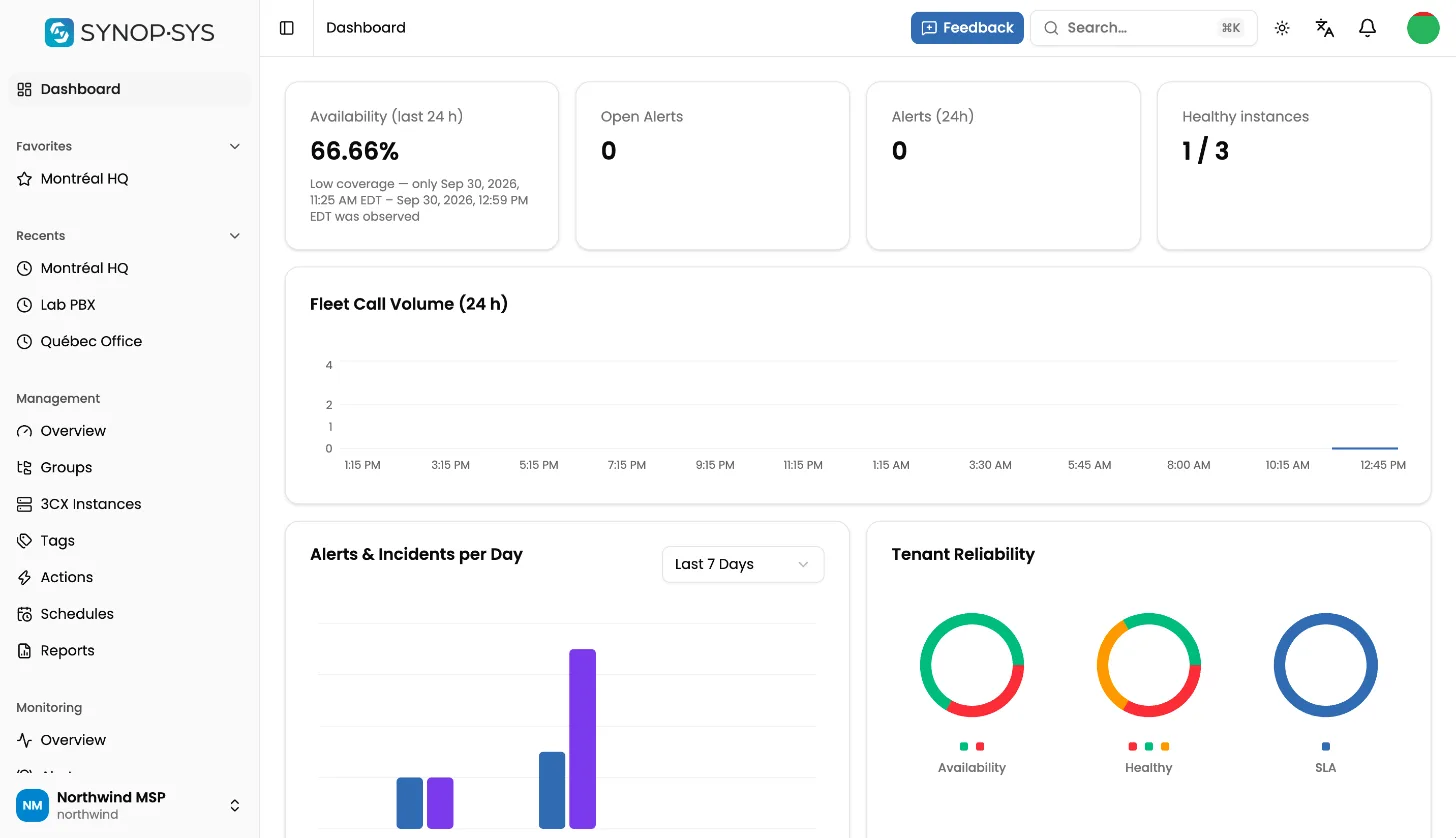
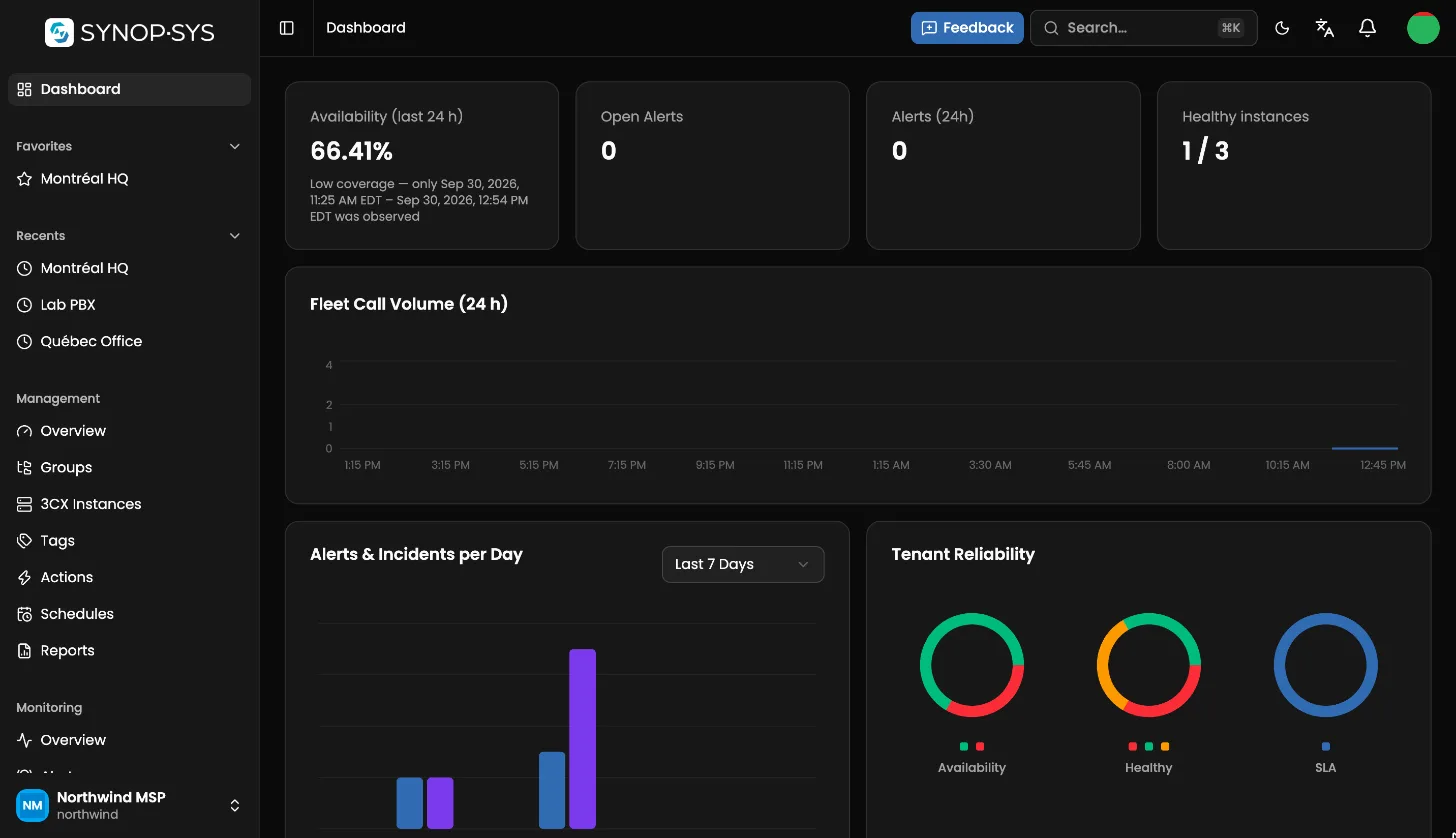
From inventory to incident response, SYNOP•SYS replaces a browser tab per PBX with one workspace.
CPU, memory, disk, services, trunks and call activity collected every 60 seconds, with per-PBX dashboards, history charts and fleet-wide health at a glance.
Every PBX with its health, version, licence tier and expiry, grouped and tagged the way your team works.
Users, trunks, queues, IVRs, ring groups, phones and office hours, edited through forms that mirror the 3CX console.
Built-in rules for the usual failures plus your own, with throttling, severity and routing to the right people.
Schedule planned work so expected downtime stays quiet and never pages anyone.
Availability per PBX and across the fleet, response times (MTTA, MTTR), exported to CSV for your customers.
Run maintenance on one PBX or hundreds, now or on a schedule, with a full history of every run.
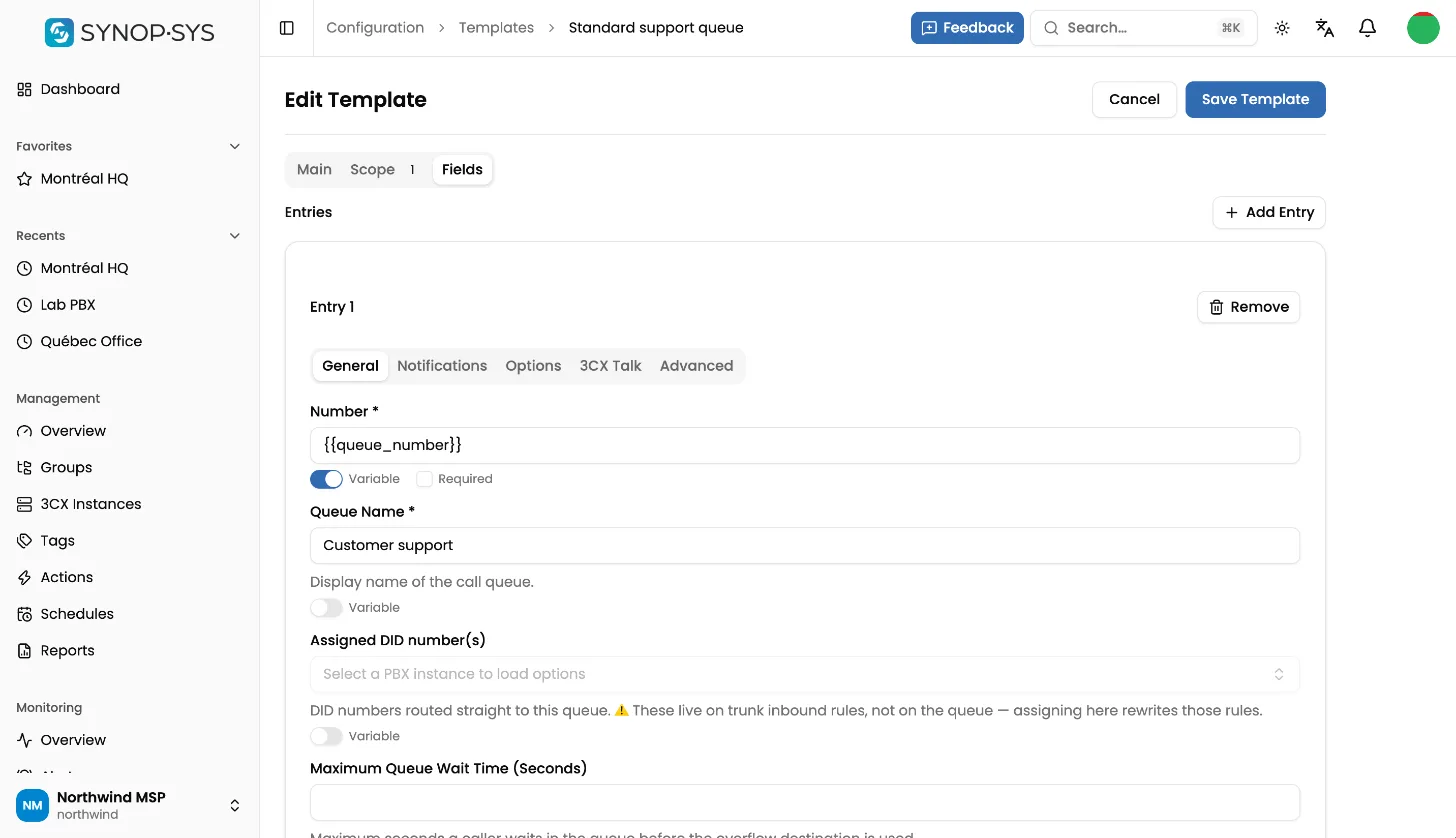
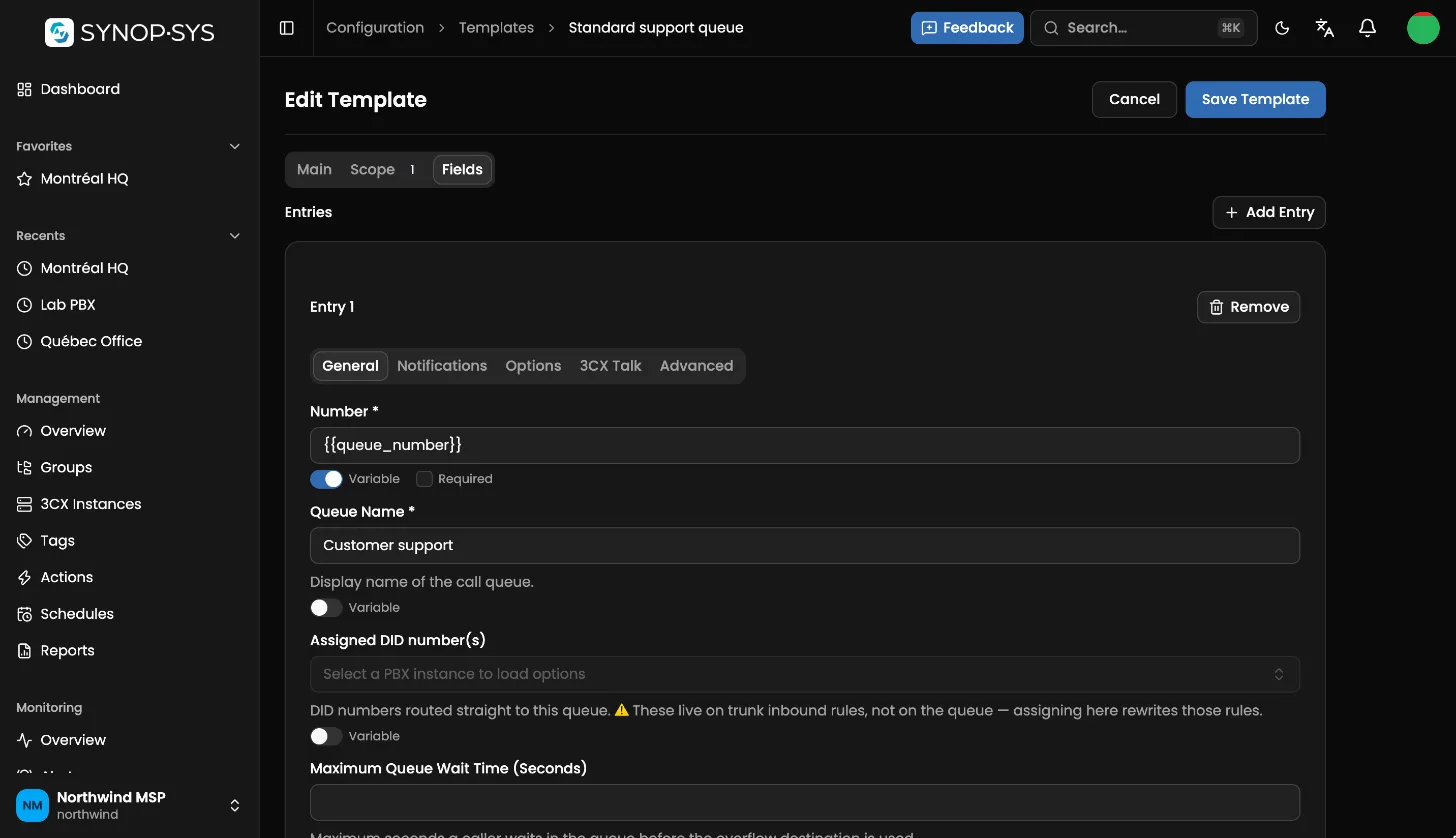
Capture a known-good configuration, apply it all-or-nothing across a group, a tag or the fleet, and get alerted the moment a PBX drifts from it.
Nightly exports of every PBX backup to your workspace storage, ready to download or restore.
Browse and download call recordings per PBX without logging in to each console.
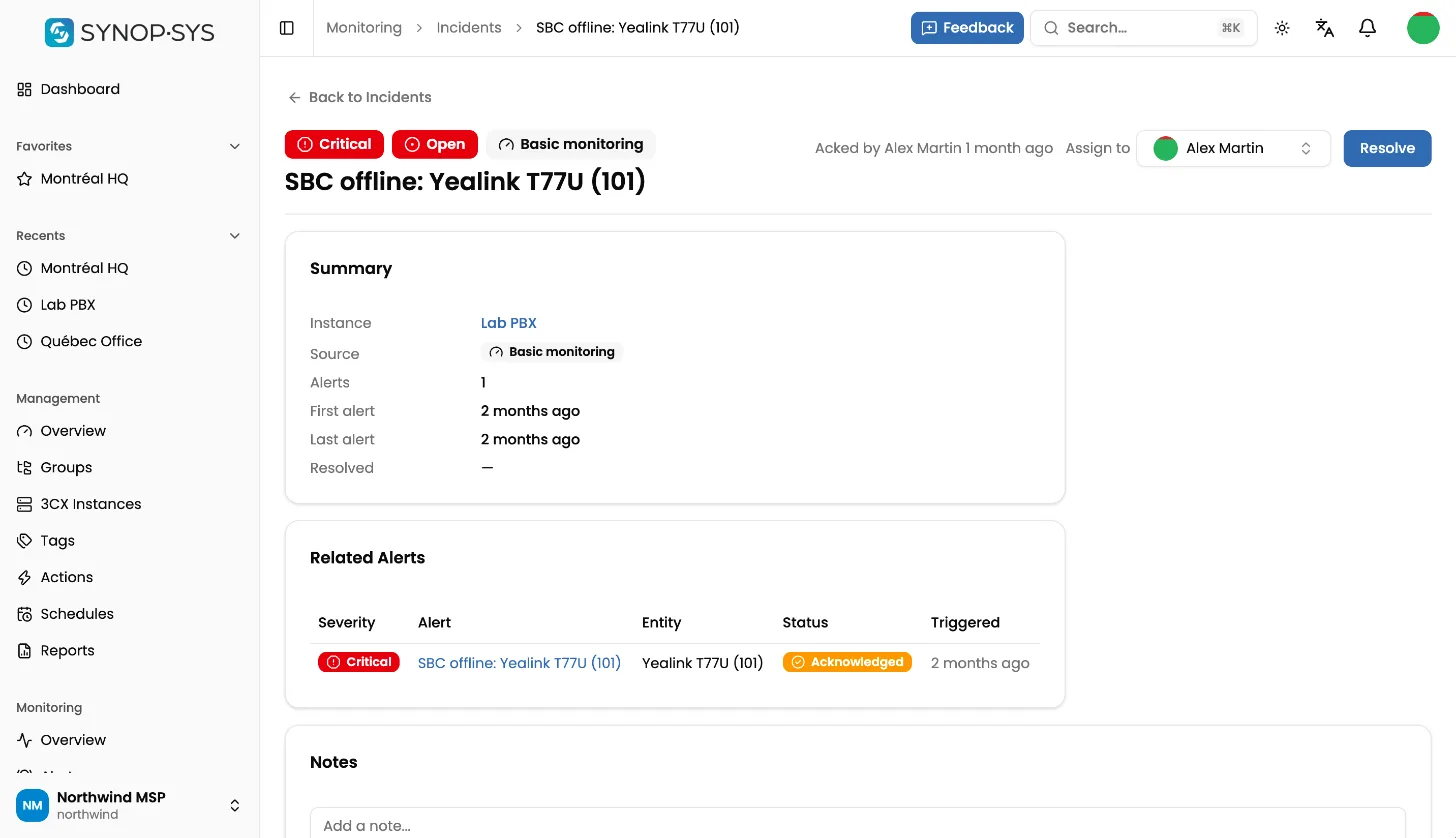
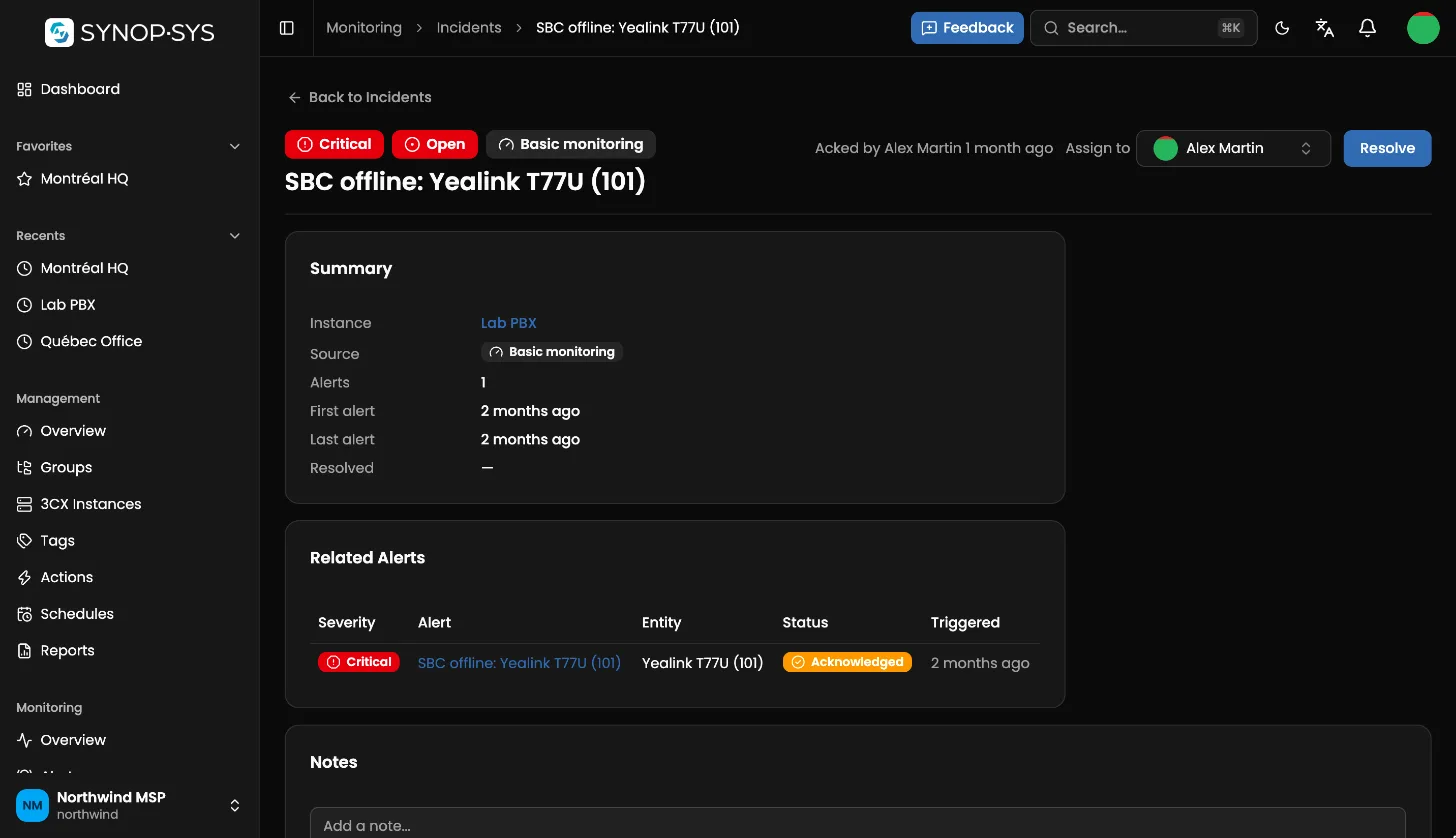
Related alerts roll up into one incident, route to whoever is on call, escalate when nobody answers, and close with a full timeline.
Search logs, health, blocklists, firmware and renewals across every PBX at once.
See the calls in progress on any PBX in real time, and drop one when you need to.
Every change your team makes, who made it and when, exportable to CSV.
Sign in with Microsoft Entra ID and provision users automatically; enforce SSO when you are ready.
Alerts to email, SMS, PagerDuty, Slack and Teams; tickets in ConnectWise, Autotask or HaloPSA; signed webhooks.
Your logo and colours, on your own domain.
API keys for scripts and automation, scoped like the people who use them.
Alerts, incidents and actions from your phone, with push notifications and Live Activities.
Per-instance dashboards show resource usage, service state, trunk registration and call volume over time, so a full disk or an unregistered trunk is an alert, not a support call.
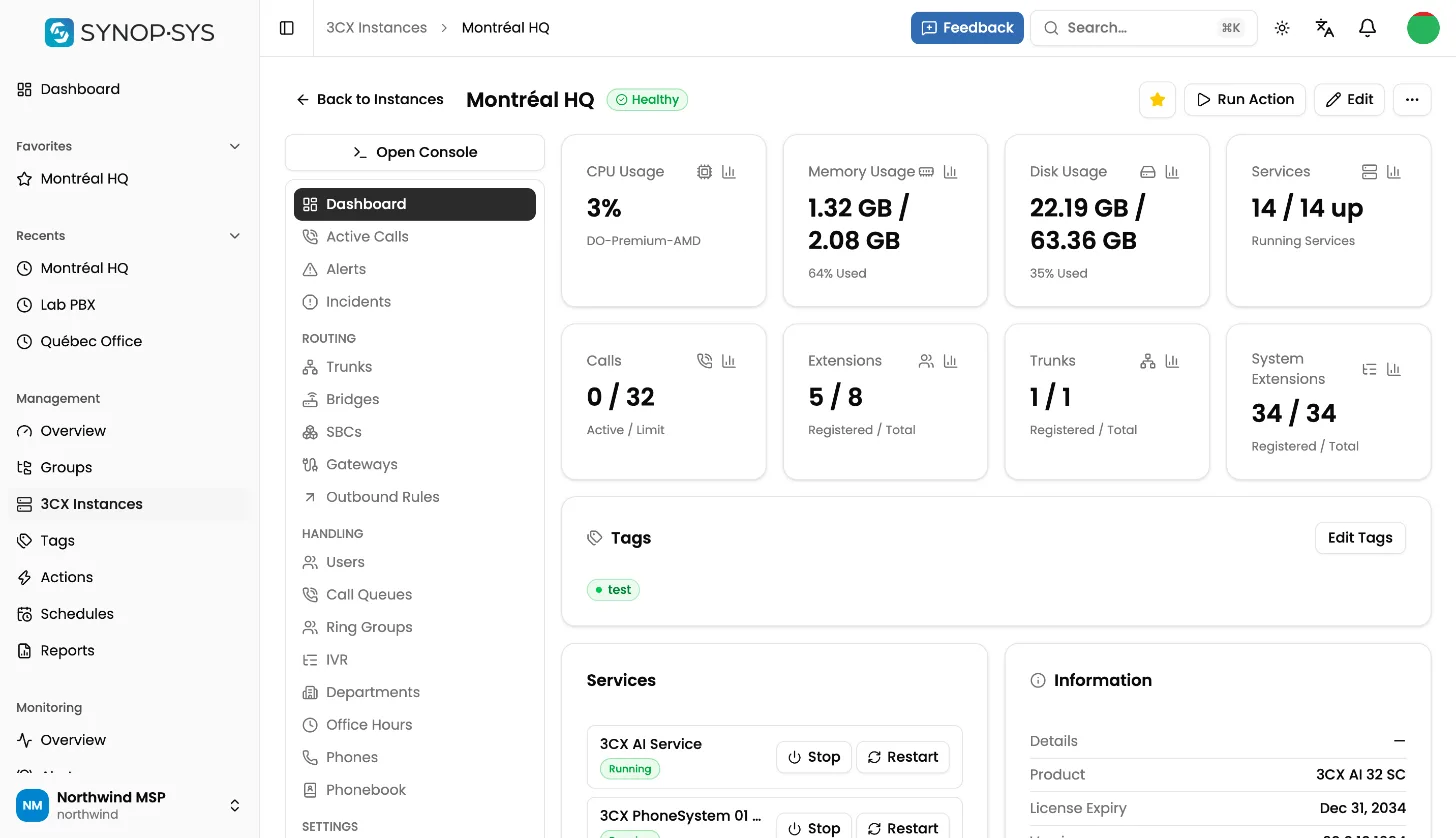
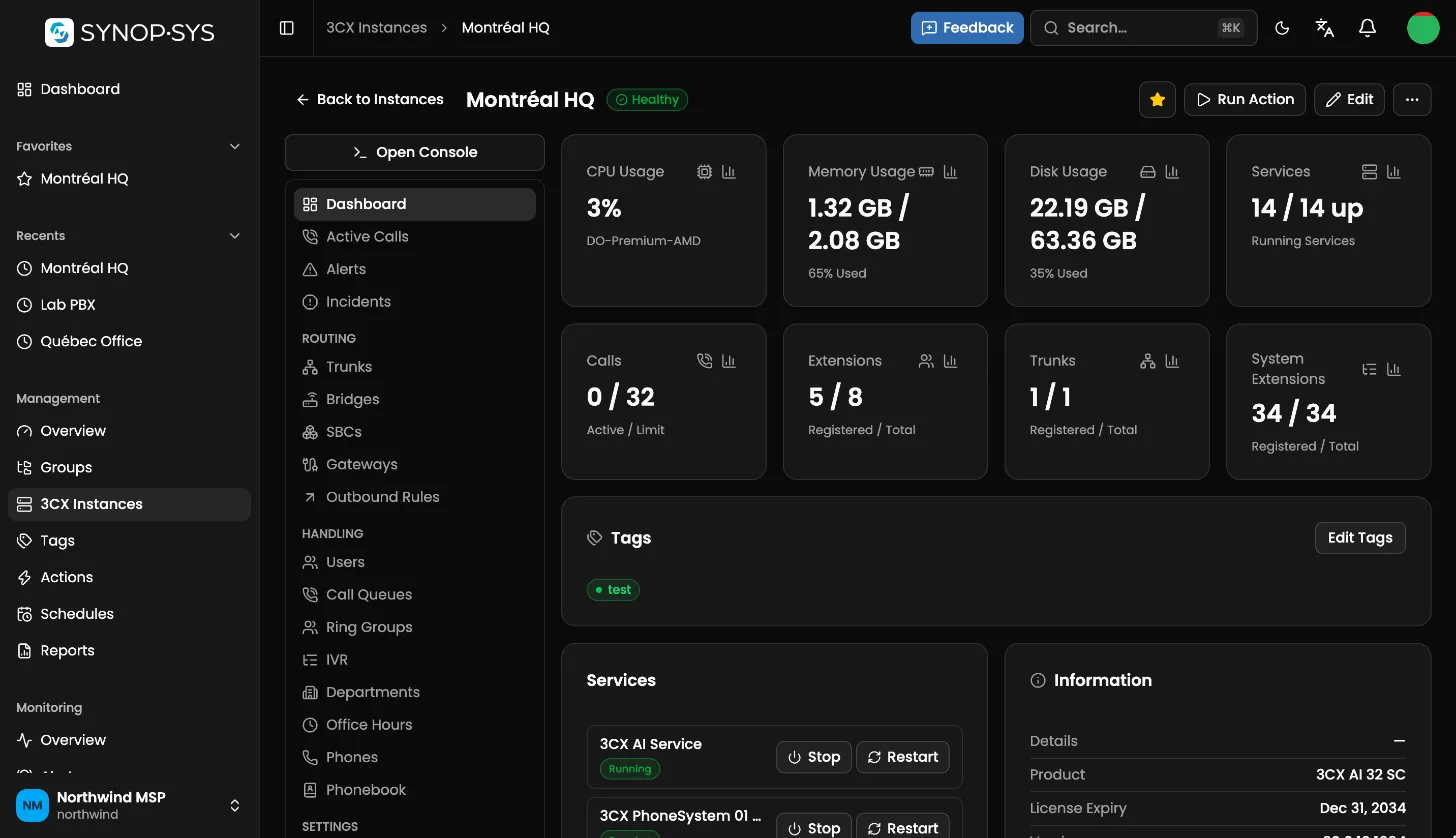
Templates carry your standard configuration with variables and secrets. Drift policies keep every PBX aligned and tell you exactly what changed.
Related alerts roll up into one incident, route to whoever is on call and escalate when nobody answers. Uptime and response-time reports come for free.
SYNOP•SYS for iPhone and iPad
The mobile companion to the SYNOP•SYS console puts the fleet's health and your team's alerts one tap away.
Coming soon to the App Store
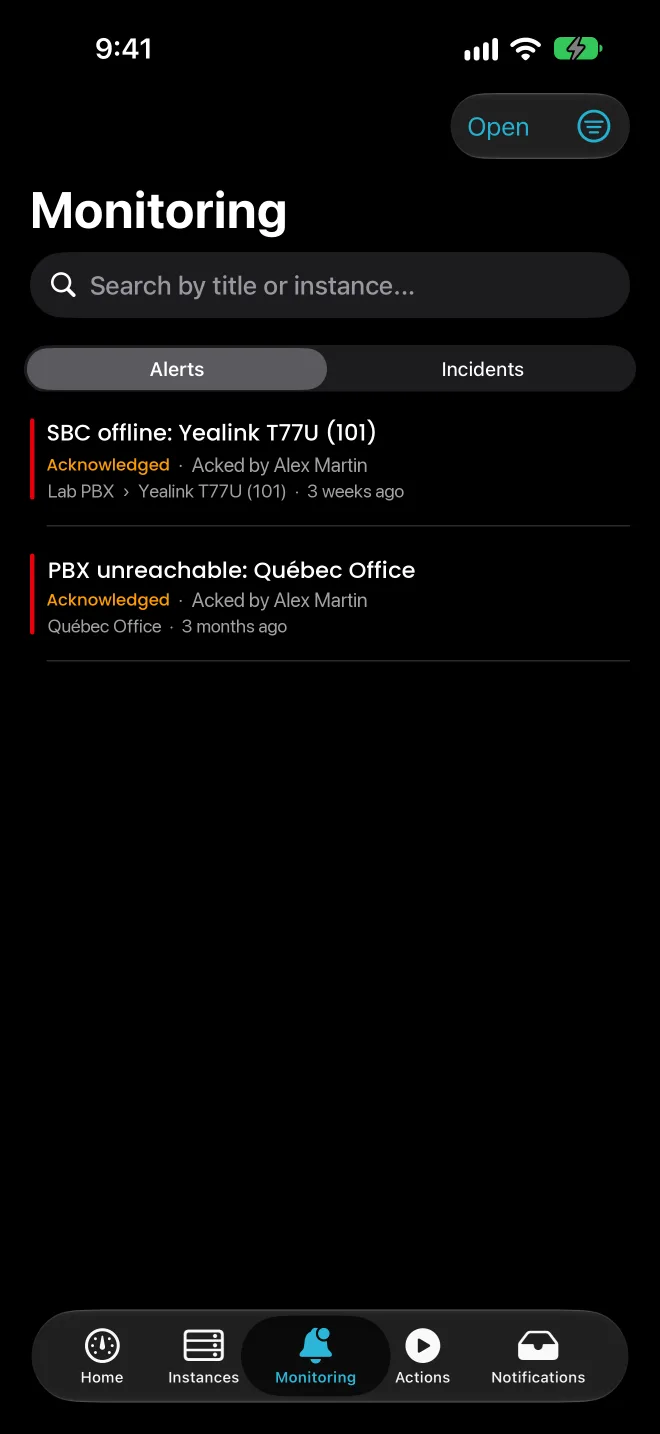
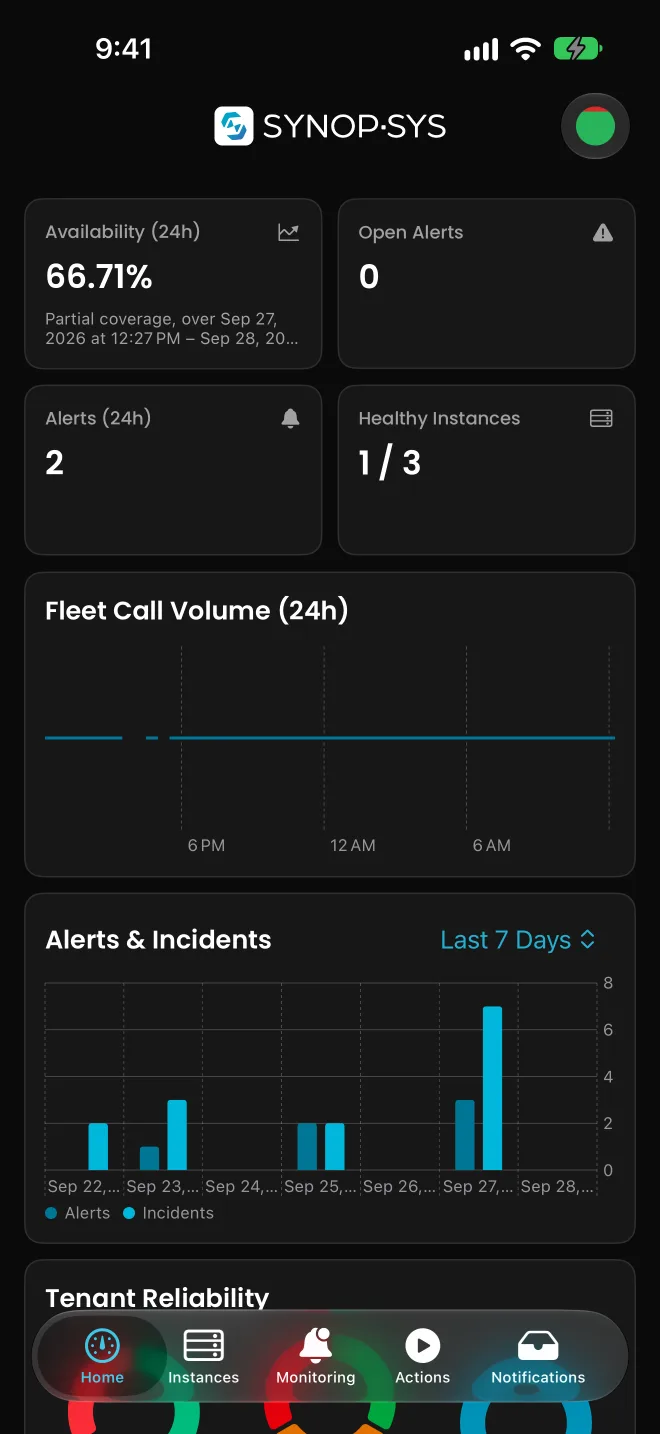
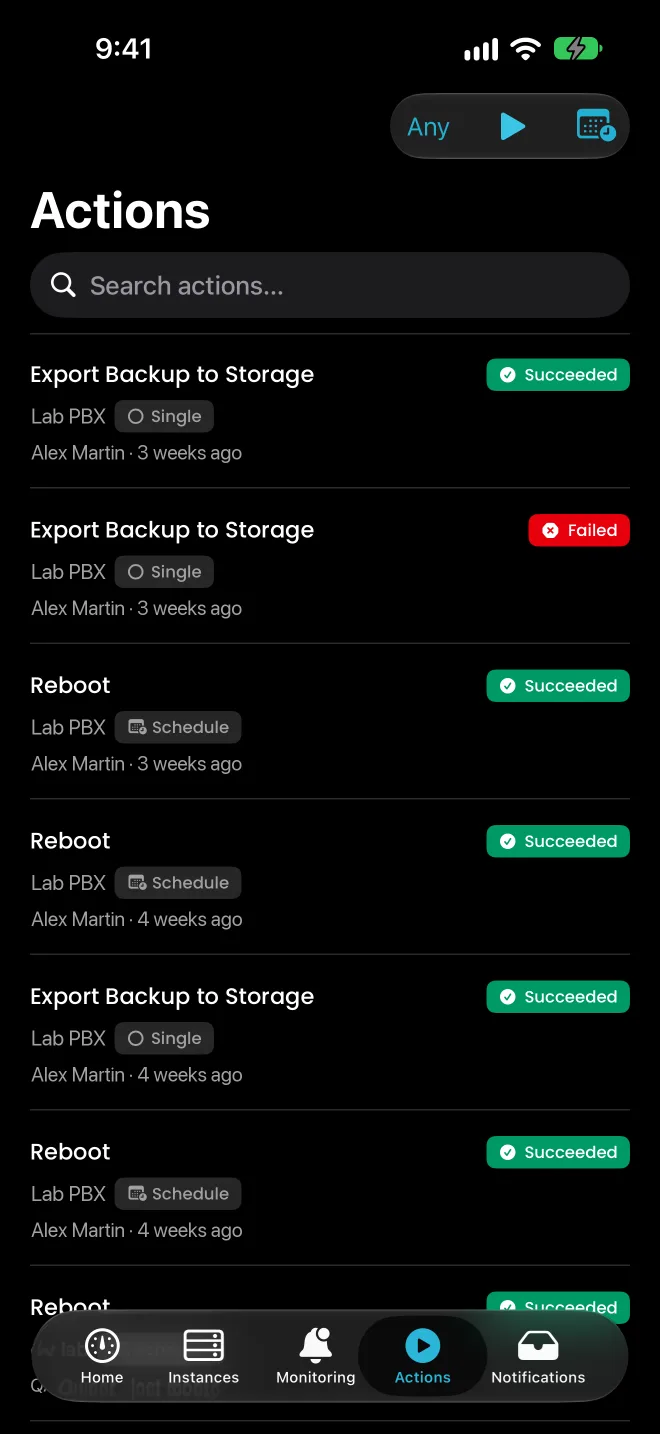
Designed for teams that run dozens or hundreds of 3CX systems for their customers, not a single office PBX.
SYNOP•SYS connects through the 3CX API with the credentials you provide. There is no agent or script to install on the phone system.
Each workspace gets its own database, its own storage and its own subdomain, created automatically.
Your data is stored in Montréal, and production databases are replicated to Calgary for disaster recovery.
Passkeys, multi-factor sign-in, Microsoft Entra ID single sign-on, SCIM provisioning, roles scoped to groups or tags, and an audit log of user actions.
Roles and permissions limited to specific groups or tags of PBXs, so each technician sees only the customers they look after.
Templates apply all-or-nothing with automatic rollback, and every change is recorded, so a bulk update never leaves a PBX half-configured.
Send alerts to email, SMS, PagerDuty, Slack and Teams, open tickets in ConnectWise, Autotask or HaloPSA, and receive signed webhooks.
The console, the mobile app and system alerts are fully available in both languages.
You pay for the phone systems you monitor and the storage you use, nothing else.
A price for each enabled PBX, so your cost follows the size of your fleet.
Every plan includes storage for backups and media, with additional storage billed per gigabyte.
Something else on your mind? Send it with your request, or email support@synopsysapp.com.
Managed service providers and IT teams that run many 3CX phone systems, for their customers or across their own sites, and want to monitor, configure and secure all of them from one console.
No. SYNOP•SYS connects to each PBX through the 3CX API, using API credentials you create in the 3CX console. There is no agent, script or plugin to install, and you can remove access at any time by deleting those credentials.
SYNOP•SYS works with 3CX version 20, hosted by you, by 3CX or by a cloud provider, as long as the PBX is reachable over HTTPS.
You pay for each enabled PBX and for the storage you use beyond what your plan includes. There is no workspace fee, and you can disable a PBX to stop paying for it. Taxes are added to invoices.
Yes. Plans come with a free trial, and we confirm its length when we answer your request.
In Canada. Each customer gets its own database and storage in Montréal, and production data is replicated to Calgary for disaster recovery.
Yes. Roles control what people can do, and each person can be limited to specific groups or tags of PBXs, so a technician only sees the customers they look after.
With a password and a second factor (passkey, authenticator app or code by email or text message), or with Microsoft Entra ID single sign-on. Users can be provisioned automatically with SCIM.
Yes, for iPhone and iPad. It brings alerts, incidents and actions to your phone with push notifications, and it is coming soon to the App Store.
Yes. The console, the mobile app and alert notifications are fully available in English and in French, and each person chooses their own language.
You can export your data at any time while your subscription is active. After cancellation takes effect, we delete your workspace content within a reasonable period, as described in our Privacy Policy.
No. SYNOP•SYS is an independent product built for 3CX phone systems. It is not affiliated with, endorsed by or sponsored by 3CX Ltd.
Tell us about your fleet and we will set up your workspace.
Thank you, your request is in.
We will reply by email shortly. There is nothing else to do for now.